
On this page+
- A Small Feature Drop With a Big UX Lesson
- Why "Custom Greeting" Is a Bigger Deal Than It Looks
- What App Developers Should Take Away From This
- 1. Personalisation Is Not Optional Anymore
- 2. Let Users Own the Brand Voice
- 3. Transparency Plus Personalisation Beats Either Alone
- The Broader Trend Worth Watching
- How ZolvMinds Approaches This in Client Projects
- The Bottom Line
A Small Feature Drop With a Big UX Lesson
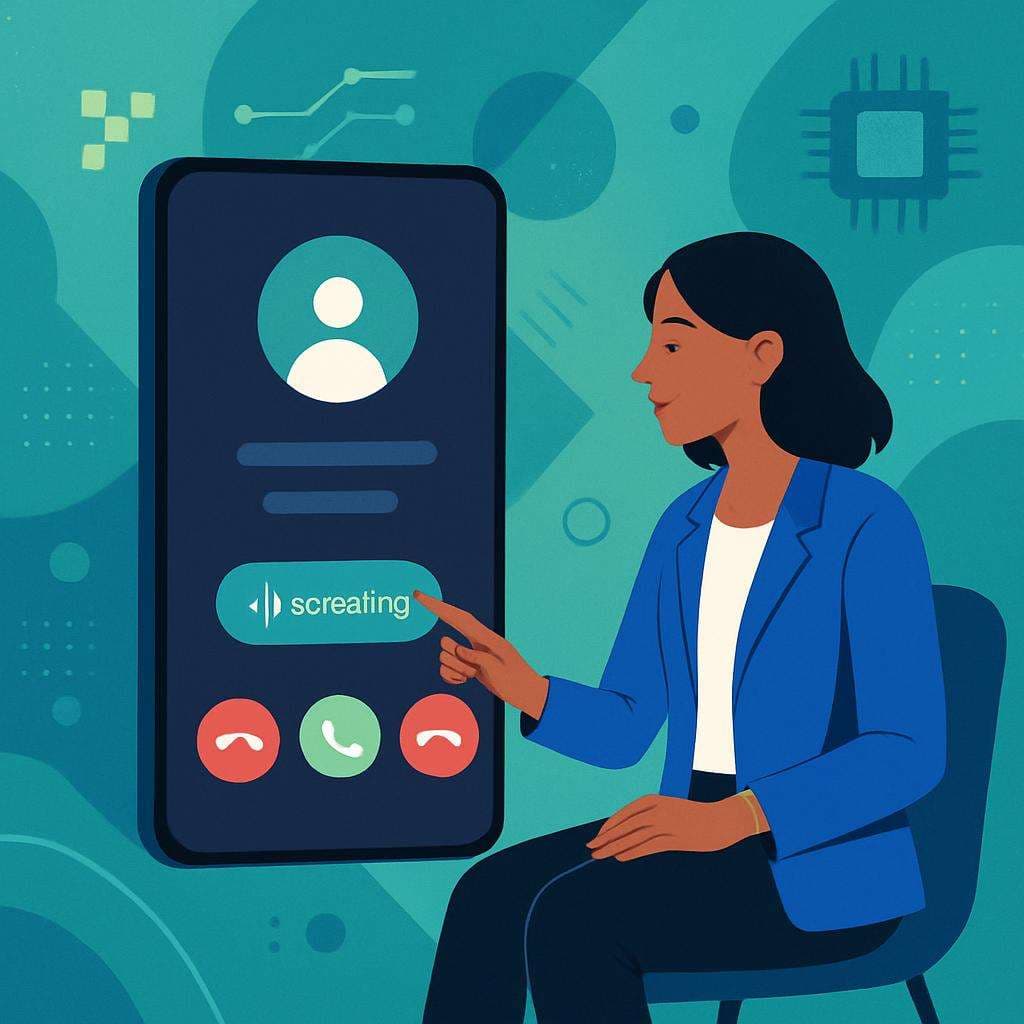
Google's Pixel phones just made their Take a Message call screening feature meaningfully better. According to [Timi Cantisano at Android Police](https://www.androidpolice.com/you-can-now-make-a-custom-take-a-message-greeting-on-pixel/), Pixel users can now record a personal greeting instead of relying on Google Assistant's default synthetic voice to answer unknown calls on their behalf.
Sounds minor. It isn't.
This change quietly fixes one of the most persistent friction points in voice AI: the machine speaks for you but sounds nothing like you. That gap — between automation and authenticity — is what every product builder should be wrestling with right now.
---
Why "Custom Greeting" Is a Bigger Deal Than It Looks
When Google first shipped Call Screening and Take a Message on Pixel devices, the concept was genuinely smart. Let the phone handle spam, capture responses from unknown callers, transcribe everything — without you touching the call at all.
The catch was obvious. Google Assistant greeted callers in a voice everyone recognised as synthetic. Most people knew within two seconds they were talking to a bot. For personal calls, that felt cold. For a sole trader using their Pixel as a business line — a plumber, a freelance designer, a driving instructor — it felt actively unprofessional.
Letting users record their own greeting fixes this with minimal engineering. The AI still does the heavy lifting — transcription, response capture, spam filtering — but the first impression is now yours. Not Google's.
This is a warm handoff pattern applied to voice AI. The human sets the tone; the machine does the work. Simple idea, real impact.
---
What App Developers Should Take Away From This
At ZolvMinds, we work with clients across Chennai and beyond who are integrating voice AI, chatbots, and automated communication flows into Android and iOS apps. The Pixel upgrade is a practical reminder of three principles that make or break AI-powered UX.
1. Personalisation Is Not Optional Anymore
Users in 2025 can detect a bot voice, a templated message, or a generic flow within seconds. If your app uses any kind of automated outreach — appointment reminders, customer support bots, onboarding calls — the first touchpoint must feel human-authored, even when the backend is pure automation.
Custom voice snippets, personalised sender names, tone-matched copy. These are no longer differentiators. They are the baseline.
2. Let Users Own the Brand Voice
Google's move turns every Pixel owner into the voice of their own brand. That principle scales. If you are building a client-facing product — say, a booking app used by salon owners or a CRM for independent retailers — give your end users the ability to customise how the AI speaks for them.
Ownership creates trust. Trust drives retention. That chain is short and it is reliable.
3. Transparency Plus Personalisation Beats Either Alone
The best AI UX does not pretend the machine is not involved. It layers human character on top of machine efficiency. The caller still knows the Pixel is screening — that is transparent. But the greeting sounds like a real person, which makes the whole experience warmer and less adversarial.
Follow the same logic in your product: be honest about automation, but never let it feel indifferent.
---
The Broader Trend Worth Watching
This Pixel update does not exist in isolation. Look at what else landed the same week:
- Google is pushing AI deeper into YouTube Music, Photos, and Gmail.
- Lovable signed a multi-year deal to scale on Google Cloud at 5x its current capacity.
- Alphabet raised a record $85 billion for its AI business.
The pattern is clear: AI is moving from backend infrastructure to front-facing user experience. The competition is no longer about which company has the strongest model. It is about which product makes AI feel most natural, trustworthy, and personal to the specific person using it.
For teams in Chennai, Bangalore, Mumbai, or anywhere else in India building digital products right now, this is both a pressure and an opening. Pressure because users will expect polish they have seen elsewhere. Opening because most local competitors are still shipping generic automations with zero personality baked in.
---
How ZolvMinds Approaches This in Client Projects
When we build Android or iOS apps with AI communication features, we work through a checklist that this Pixel upgrade essentially validates in the wild:
- Voice and tone customisation for every automated message or call flow
- Graceful disclosure — users are told clearly when AI is acting on their behalf
- Human override options — automation handles volume; humans handle exceptions
- Focused UX testing on AI interaction points, not just visual UI elements
The products that will hold users over the next five years are the ones where the AI sounds like the brand — not like a vendor's out-of-the-box template someone forgot to change.
---
The Bottom Line
A custom greeting on a Pixel phone is a small feature. But it encodes something important: AI should amplify your voice, not replace it. If your product includes any kind of automated user interaction, audit how human those touchpoints actually feel right now.
Your users already know the difference. They decide whether to stay or leave based on it.
---
Building an Android app, iOS product, or AI-powered communication feature and not sure where to start? Share your brief with ZolvMinds — we'll help you design AI experiences that feel personal, not robotic. [Get in touch here.](#)
Frequently asked questions
What is Google Pixel's Take a Message feature?+
Take a Message is a Pixel-exclusive call screening tool that answers unknown calls on your behalf, plays a greeting, and transcribes the caller's response. The latest upgrade lets you record a personal custom greeting instead of using Google Assistant's default voice.
How can app developers use this UX principle in their own products?+
Developers can apply the same "warm handoff" principle by letting users customise automated messages, voice flows, or chatbot tone — making AI interactions feel personal and brand-aligned rather than generic and robotic.
Is voice AI customisation relevant for small businesses in India?+
Absolutely. Small business owners using mobile apps for customer communication can significantly improve trust and professionalism by ensuring any AI-driven interaction reflects their own brand voice — whether through custom greetings, personalised copy, or tone-matched automation.
Ready to ship with a matched specialist?
Related articles
Pixel's Custom Call Greetings: What It Means for Apps
Google Pixel's custom Take a Message greetings reveal a UX truth every app builder should act on. Here's what ZolvMinds takes from this small but smart upgrade.
Jun 4, 2026 · 4 min read
Google PhotosIncremental Exports: What Google Photos Got Right
Google Photos now supports incremental exports, saving bandwidth and time. Here's what that means for businesses managing media assets and data workflows.
Jun 2, 2026 · 5 min read